---
title: "How to Install Apache Web Server on Amazon Linux 2"
description: "We will learn how to install and setup FireWall on Amazon Linux 2 in this tutorial. We will also discover how to set up FireWall so that it functions with the Amazon Linux 2."
author: "Mohammad Abu Mattar"
canonical: https://mkabumattar.com/blog/post/how-to-install-apache-web-server-on-amazon-linux-2
---
# How to Install Apache Web Server on Amazon Linux 2
## Introduction
In this tutorial, we will learn how to install Apache web server on Amazon Linux 2. We will also learn how to configure Apache web server to run simple HTML web page.
## Prerequisites
To follow this tutorial, you will need:
- An Amazon Linux 2 EC2 instance.
- A user with sudo privileges.
## Install Apache Web Server and run simple HTML web page
### Step 1: Install Apache Web Server
Before we start, we need to update the package list and upgrade the installed packages:
```shell
sudo yum update -y
```
Now, we can install Apache web server:
```shell
sudo yum install httpd -y
```
### Step 2: Start Apache Web Server
Now, we can start Apache web server:
- Start Apache Server
```shell
sudo systemctl start httpd
```
- Configure Apache to run on system boot
```shell
sudo systemctl enable httpd
```
### Step 3: Configure Firewall
Now, we need to configure the firewall to allow HTTP traffic:
```shell
sudo firewall-cmd --permanent --add-service=http
sudo firewall-cmd --reload
```
### Step 4: Create a Simple HTML Web Page
Before we can test Apache web server, we need to change the permissions of the `/var/www/html` directory:
```shell
sudo chmod 777 /var/www/html
```
Now, we can create a simple HTML web page:
```shell
sudo vi /var/www/html/index.html
```
```html
Apache Web Server
Apache Web Server
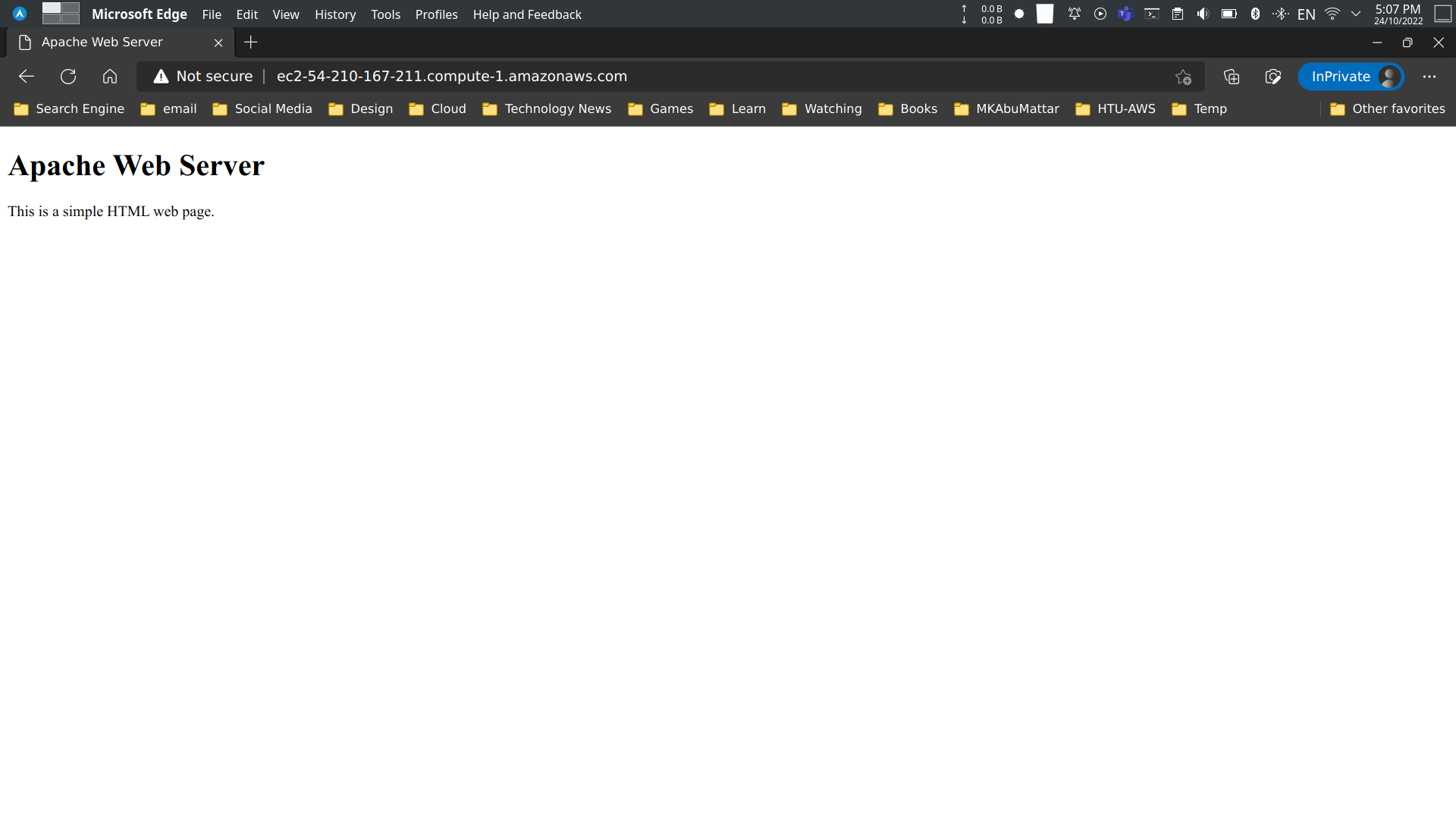
This is a simple HTML web page.
```
### Step 5: Test Apache Web Server
Now, we can test Apache web server by opening the public IP address of our Amazon Linux 2 EC2 instance in a web browser:
## Conclusion
In this tutorial, we learned how to install Apache web server on Amazon Linux 2. We also learned how to configure Apache web server to run simple HTML web page.
## References
- [Apache HTTP Server Project Documentation](https://httpd.apache.org/docs/)
- [Amazon EC2 User Guide for Linux Instances](https://docs.aws.amazon.com/AWSEC2/latest/UserGuide/concepts.html)
- [Tutorial: Installing a LAMP Web Server on Amazon Linux 2](https://docs.aws.amazon.com/AWSEC2/latest/UserGuide/ec2-lamp-amazon-linux-2.html)
- [Firewalld Official Documentation](https://firewalld.org/documentation/)
- [Managing software on your Linux instance - AWS](https://docs.aws.amazon.com/AWSEC2/latest/UserGuide/managing-software.html)
- [Controlling Services with systemctl - Red Hat](https://access.redhat.com/documentation/en-us/red_hat_enterprise_linux/7/html/system_administrators_guide/sect-managing_services_with_systemd-services) (Amazon Linux is RHEL-based)
- [Using firewalld - Fedora Project Docs](https://docs.fedoraproject.org/en-US/quick-docs/firewalld/)
- [AWS - Amazon Linux 2 AMI Information](https://aws.amazon.com/amazon-linux-2/)
- [Previous Post: How to Install and Setup FireWall on Amazon Linux 2](/blog/post/how-to-install-and-setup-firewall-on-amazon-linux-2)
- [HTML Tutorial - W3Schools](https://www.w3schools.com/html/)
- [Vi Text Editor Tutorial](https://www.vim.org/docs.php)